Table of Contents
What Is an SOP
An SOP describes step by step how a specific task or action must be carried out. This may involve a single action or a sequence of actions. The purpose of an SOP is to prevent errors and make processes safer and more efficient. For example, an instruction may state that a new cartridge must be prepared as soon as the display shows “Toner low”.
When drafting an SOP, clarity is essential. The instruction must be understandable for everyone who works with it, regardless of their knowledge level or experience. SOPs are commonly used on the work floor, in production environments and during technical operations.
Would you like to learn more about the two target groups for which SOPs are relevant, including free downloadable SOP templates? Then read our article “Everything about SOPs”.
What Is an SOP Template
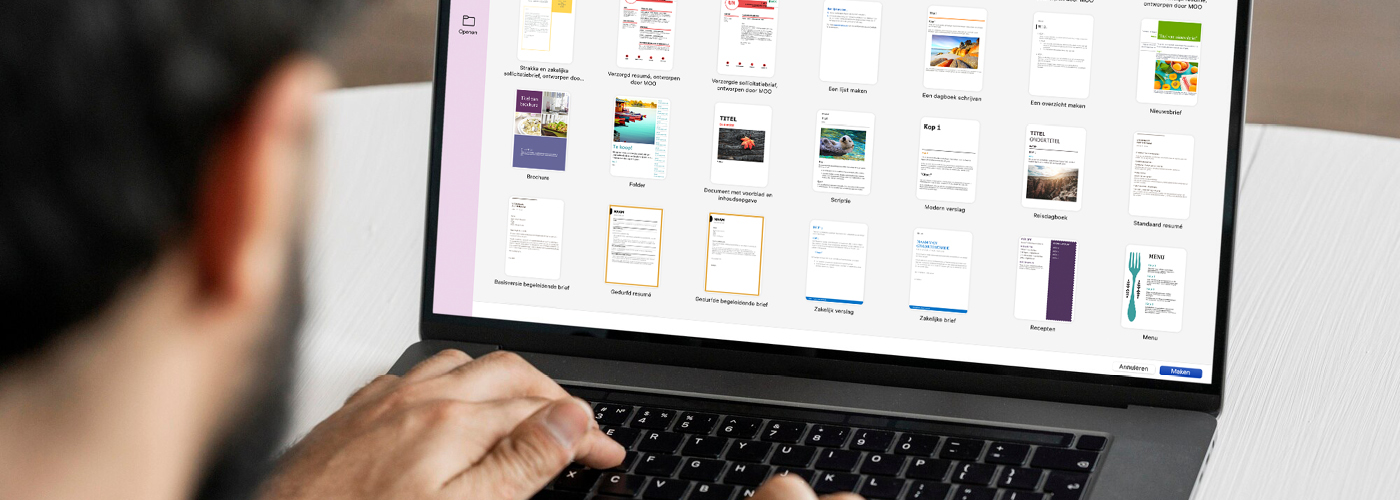
An SOP template is a predefined set of formatting rules for writing and presenting instructions. These guidelines define elements such as font type, font size, use of colour, layout and step numbering. By using a fixed template, you ensure a consistent style across all SOPs within your organisation.
When instructions vary in appearance, users can quickly lose overview. A consistent layout helps them locate the required information more quickly. This improves safety, reduces errors and simplifies the onboarding of new employees.
Why Is a Template Important
A good template ensures:
- Consistency: All SOPs have the same layout, regardless of who writes them.
- Efficiency: Users recognise the structure quickly and immediately find the right steps.
- Safety: Clear, consistent instructions reduce the risk of mistakes and unsafe situations.
- Ease of use: The layout matches the user; information is clear and easy to follow.
- Professional appearance: A uniform house style supports your organisation’s image.
An SOP template is not only useful for individual instructions, but also provides a solid foundation for complete user manuals. It ensures a consistent and recognisable structure at every level, from chapter headings to individual steps.
What Does a Template Look Like (Example)
A practical example clearly demonstrates the value of an SOP template. Suppose you want to explain how to perform a sound test in Windows. In a structured SOP template, the steps would be presented as follows:
- Open the Control Panel.
- Click the Sounds icon.
- Select the Sounds tab.
- Choose a sound from the list.
- Click Test.
In this setup, you will notice:
- Important buttons and tabs are shown in bold.
- Each step is separate and numbered.
- The structure and layout are clear and immediately recognisable.
You achieve this clarity by defining formatting rules in your SOP template in advance. Consider the following elements:
- Clear headings for each new task
- A fixed order of steps, always numbered
- Consistent formatting for buttons, fields and screen names (for example, always in bold or in a specific colour)
- Sufficient white space between paragraphs and steps to improve readability
By establishing these rules beforehand, every author knows which guidelines apply. This automatically creates consistent, recognisable and user-friendly instructions across all documents.
How to Create an SOP Template Yourself
You can easily create an SOP template yourself, for example in Microsoft Word. Follow these steps:
- Define the formatting rules
Choose a clear font (such as Arial or Calibri) and set the font size for titles, subtitles and instruction text. - Create styles in Word
Use the “Styles” feature to apply the same formatting quickly to headings, buttons and text. - Define the structure
Decide which subheadings you will use as standard, such as “Requirements”, “Procedure” and “Check”. - Set up numbering
Make sure steps are always numbered automatically. - Add example steps
Create an example instruction with all style elements, so other users immediately see how to use it. - Save as a template file
Save the document as a Word template (.dotx). This lets you reuse it for new SOPs.
You can also develop an SOP template in desktop publishing software, such as Adobe InDesign. The principle remains the same: define the layout and structure once, and use this framework as the foundation for all your instructions.
This approach ensures consistency, saves time and supports a professional appearance across your documentation.
Tips When Creating an SOP Template
A few additional tips:
- Ensure enough white space
This keeps the text readable and clear. - Check it is up to date
Update your template regularly when processes change. - Have others test it
Ask colleagues to use the instruction and give feedback on clarity and ease of use. - Limit the number of styles
Keep the template simple and clear, so everyone can work with it easily.
Need Help? Manualise Is Happy to Help
Are you working with SOPs? An SOP template forms the foundation for clear and professional instructions. By using a fixed template, you enhance the safety, efficiency and user-friendliness of your documentation.
Would you like advice or support in developing a template that suits your organisation? Manualise is happy to assist you in designing, setting up and optimising SOP templates in the application of your choice.
This ensures that your instructions are not only technically accurate, but also clear, consistent and easy to use for every user.