Table of Contents
What Is a Template
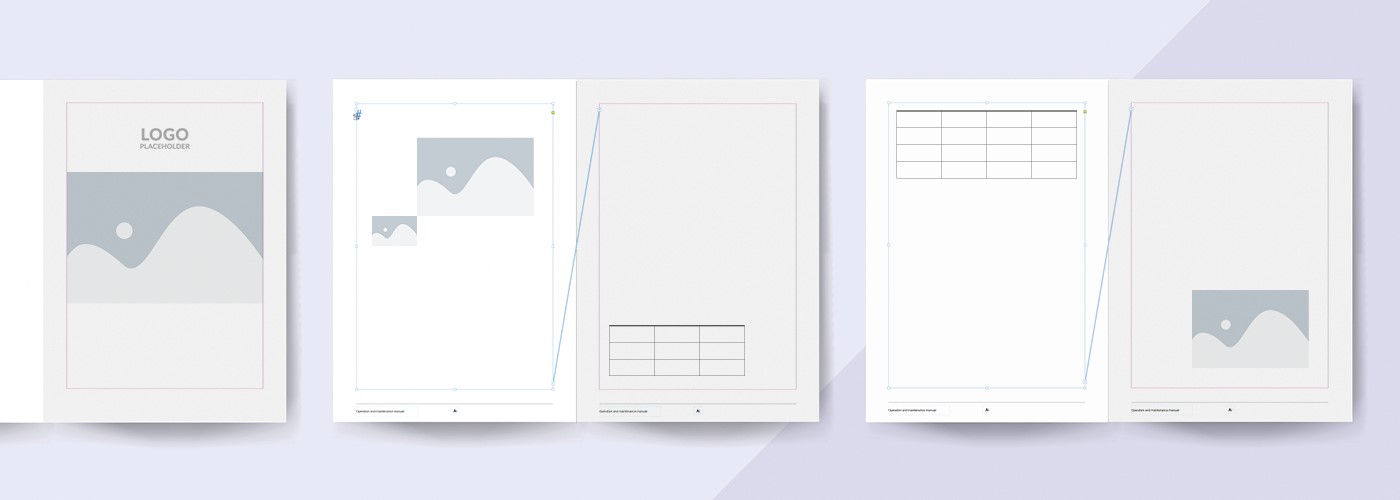
A template is a predefined structure used to format and organise documentation. In manuals, a template defines elements such as chapter structure, formatting styles, warnings, icons and frequently used text blocks. This prevents each manual from being created from scratch.
Using a template ensures that multiple manuals maintain the same structure, tone and visual style. This may apply to documentation for different products or for different markets. Consistency improves efficiency, strengthens brand recognition and supports professional documentation. For organisations that regularly produce manuals, a structured template approach is therefore essential.
Why Develop a Template
When you develop a template, the goal is to create a reliable and reusable foundation for documentation. Templates offer several key advantages:
- Uniformity
- Time savings
- Error reduction
- Scalability
Together, these benefits increase both the efficiency and the quality of the documentation process.
1. Uniformity
A manual must not only be technically correct but also consistent in presentation. Templates define fixed sections, heading styles and illustration formats. As a result, every manual follows the same structure, regardless of who writes or translates it.
This consistency improves readability and helps users find information more quickly, while also reinforcing the professional image of your brand.
2. Time Savings
Once the template structure has been established, new documentation can be created much more quickly. When you develop a template properly, it reduces the time spent on formatting and structuring content. Updates and revisions can also be implemented more efficiently.
3. Error Reduction
A well-structured template reduces the risk of missing sections, inconsistent terminology or incorrect warning formats. This is particularly important in industries where safety and regulatory compliance are critical.
4. Scalability
If documentation needs to be published across multiple product lines or in several languages, a standardised template provides a scalable solution. Templates enable documentation processes to expand without sacrificing consistency or quality.
Building Blocks of an Effective Template
When you develop a template, consider not only visual formatting but also content structure and reusable components. An effective template typically includes:
- A logical chapter structure
- Standard content blocks
- Formatting rules and a style guide
- Language examples and terminology
1. Logical Chapter Structure
A manual template typically includes sections such as:
- Title page (including version number and revision date)
- Introduction and target audience
- Safety instructions
- Installation or assembly
- Operation and use
- Maintenance and cleaning
- Troubleshooting
- Technical specifications
- Contact and service information
For guidance on chapter structure, consult the Dutch NEN 5509 (note: only available in Dutch).
Depending on the product type, modules may be added or omitted. When you develop a template, it is important that each section can function independently.
2. Standard Content Blocks
Many elements appear repeatedly across manuals, such as CE declarations, warranty conditions or safety warnings. These can be included in the template as reusable content blocks.
Templates should support this reuse, for example through a CMS or a structured content library.
3. Layout and Style Guide
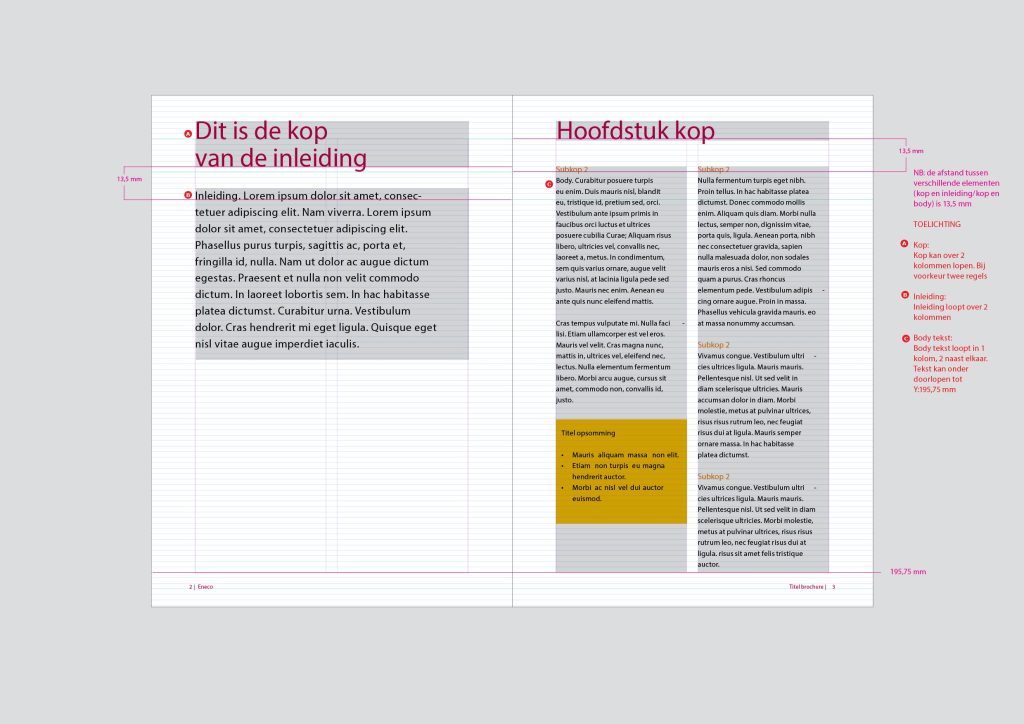
Templates also define the visual design of the documentation. Examples include:
- Heading styles and numbering
- Body text formatting (for example Arial 10 pt)
- Warning messages with icons
- Illustration frames with captions
- Tables and lists
Ideally, a separate style guide explains how and when these elements should be applied. This ensures consistent use of the template across different teams.
4. Language Examples and Terminology
Language standards are also part of the template. Example instructions, terminology lists and preferred phrasing help maintain a consistent writing style when multiple authors contribute to the documentation.
Example of a clear instruction:
Avoid:
“Check whether the device operates correctly.”
Write instead:
“Set the switch to position 1. Check whether the indicator light is on.”
Key Considerations When You Develop Template Structures
Developing templates requires more than copying existing layouts. It demands insight into user needs, content management and regulatory requirements. When you develop a template, keep the following points in mind.
1. Work with Modular Content
Templates should remain flexible. Use content modules that can be reused across different manuals. For example, an instruction describing “battery replacement” may appear in both a consumer manual and a maintenance guide.
2. Consider Translation and Localisation
Ensure that the layout allows sufficient space for translated text, which may be longer than the original. Avoid placing text inside images and use translation memories or terminology lists where possible. Template design should always support multilingual publication.
3. Align Templates with Other Systems
If your organisation uses a Content Management System (CMS), ensure that the template is compatible with it. Integration with other systems may also influence template design.
4. Involve End Users
Test the first manuals created with the template among actual users. Can they quickly find the information they need? Are the instructions clear?
User feedback provides valuable insights for improving the template.
5. Document Template Usage
Templates are only effective if authors understand how to use them. Provide clear guidance on how to apply styles, headings and warning formats. This helps ensure consistent use of templates across the organisation.
Develop Template: How We Can Support You
Developing templates is an investment that quickly pays off. A well-designed template not only improves consistency across manuals but also reduces the workload for designers, writers and translators. Whether you work with Microsoft Word, Adobe InDesign or an online CMS, a strong documentation template helps you produce manuals efficiently and professionally.
Need support?
Manualise assists organisations with template development projects for manuals. From content structure and layout to content management, we help you create templates that are scalable, compliant and easy to use.