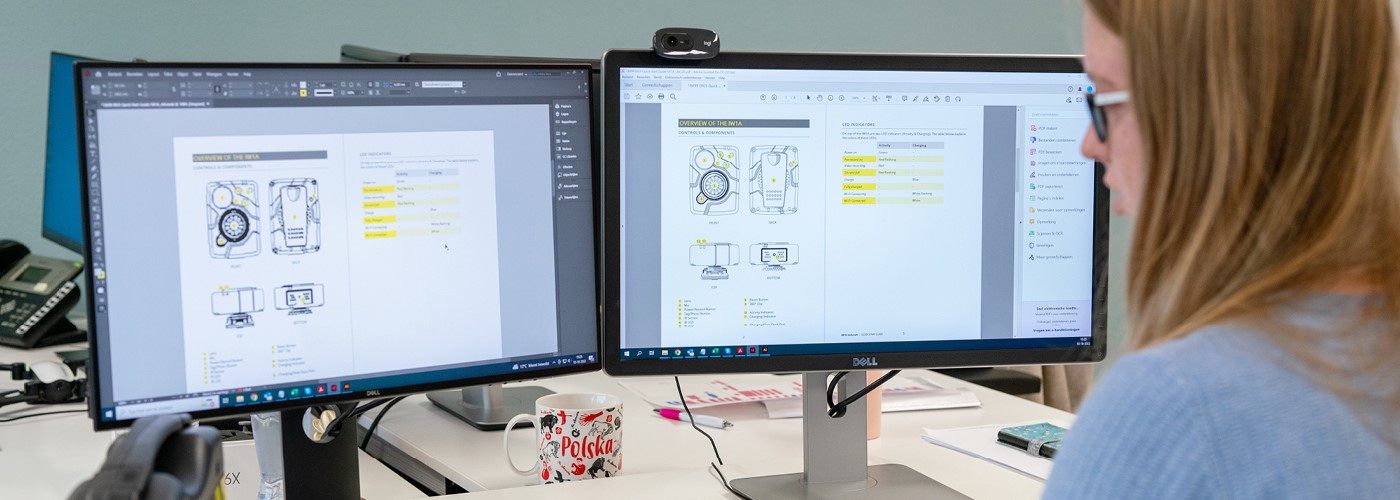
Step 1 – Identify the Target Audience
Product information must be communicated clearly and accurately. Different user groups have different needs, knowledge levels and expectations. For this reason, creating a user manual always starts with a thorough analysis of the target audience.
- Consumers usually require simple, step-by-step instructions supported by clear illustrations. The focus is on safe and easy operation.
- Professional installers, for example of a water treatment system, need detailed technical information, specifications and installation requirements.
By aligning the user manual with the target audience, you improve clarity, increase usability and reduce the risk of errors.
Step 2 – Conduct a Conformity Assessment
Before creating a user manual, determine which directives and standards apply to your product. These regulations often include specific requirements for the content of the user manual.
A conformity assessment identifies the applicable legal and technical requirements. You can then use these requirements to structure, review and validate the user manual.
What Requirements Apply to a User Manual
European directives may define explicit requirements for user documentation. For example, the Machinery Directive (2006/42/EC) requires that a user manual describes not only the intended use of a machine, but also reasonably foreseeable misuse.
This means the manual must warn users about risks resulting from predictable incorrect use. For example, the manual for an electric saw must explain safe operation. In addition, it must warn that the saw is not suitable for cutting certain materials, such as hardened steel, as this may create hazardous situations or damage the machine.
The Machinery Directive also requires information about:
- Noise levels – For machines such as leaf blowers, the manual must indicate noise emissions so users can determine whether hearing protection is required.
- Manufacturer details – The name and contact details of the manufacturer must be provided, enabling users to ask questions or submit warranty claims.
- Translations – Many European directives require that the manual be available in the official language or languages of the country where the product is placed on the market and/or put into service.
Legal Consequences of a Poor User Manual
Directive 2024/2853, which replaces the former Product Liability Directive (85/374/EEC), explicitly considers the user manual and safety information to be part of the product.
If a manual is incomplete, incorrect or unclear, and this results in damage or injury, the manufacturer may be held liable—even if the product itself is technically sound.
Careful preparation of a user manual therefore protects both the user and your organisation.
For more information, read our article ‘Legal Requirements for a User Manual’. Would you prefer to rely on a specialist? Manualise has been developing compliant manuals for more than 15 years.
Step 3 – Collect Product Information
Once you have defined the target audience, collect detailed product information. Consult internal experts such as product developers, engineers, service technicians and customer support staff.
Listen carefully, analyse the input and verify technical accuracy. Make sure you fully understand how the product works and how users interact with it. The aim is to ensure the user manual contains all information that the intended user needs to work safely and correctly.
Step 4 – Define the Document Structure
A clear structure helps users find information quickly. It also reduces the risk of missing warnings or safety instructions.
Standards can support you in defining the structure. For example, NEN 5509 guidance on the content, structure, wording and presentation of technical user manuals for both professional and non-professional users (note: NEN 5509 is available in Dutch only).
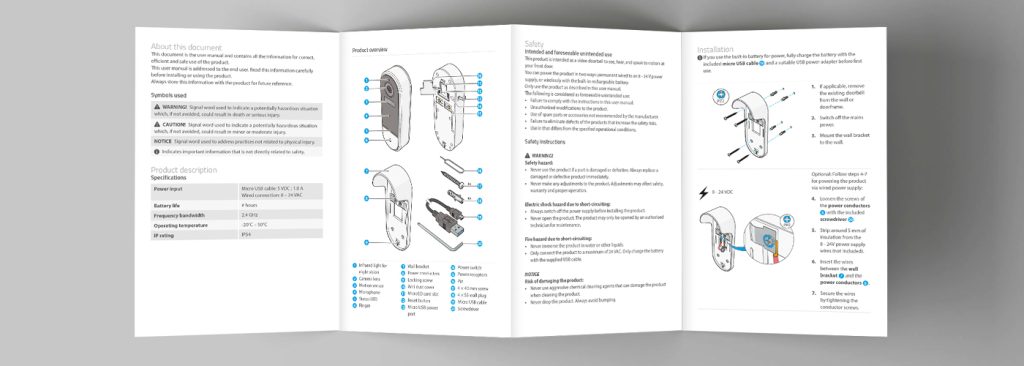
Common sections in a user manual include:
- Safety instructions
- Technical specifications
- Installation
- Operation
- Maintenance
Step 5 – Write Clear and Instructional Texts
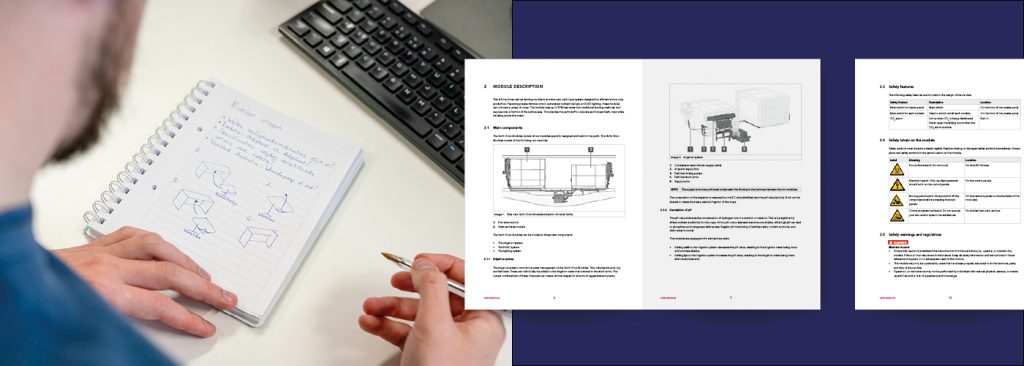
Creating a user manual requires close cooperation with subject-matter experts. Each expert uses specific terminology. Your task as a technical writer is to translate this specialist knowledge into clear and accessible language without losing technical accuracy.
Practical Guidelines for an Effective Manual:
- Keep it concise. Avoid unnecessary information and get straight to the point.
Instead of:
“The power supply is realised via a cable that must be connected to a 230V socket.”
Write:
“Insert the plug into a 230V socket.” - Make it user-friendly. Users must be able to find and understand information quickly. Use short sentences and logical, numbered steps.
For instance, when writing instructions for a coffee machine:
Instead of:
“Check whether the water level is within the indicated tolerances.”
Write:
“Fill the water reservoir to the maximum line.” - Ensure clear navigation. Users should quickly find the information they need. A clear table of contents and descriptive headings improve usability.
For example, a heading such as “How do I connect my device?” is clearer than “Bluetooth connectivity”.
Applying these principles ensures that creating a user manual results in practical and readable documentation.
Simplified Technical English (STE)
Simplified Technical English (STE) can support effective technical writing. It uses a controlled vocabulary and standardised sentence structures to reduce ambiguity and improve clarity.
By limiting word choice and applying clear grammatical rules, STE helps prevent misunderstandings—especially in safety-critical documentation. For more information, visit the STE website.
Would you like to learn more about writing effective instructional texts? Then read our article ‘Writing Instructions’, in which we show you in three steps how to write clear and user-friendly instructions.
Step 6 – Create Illustrations
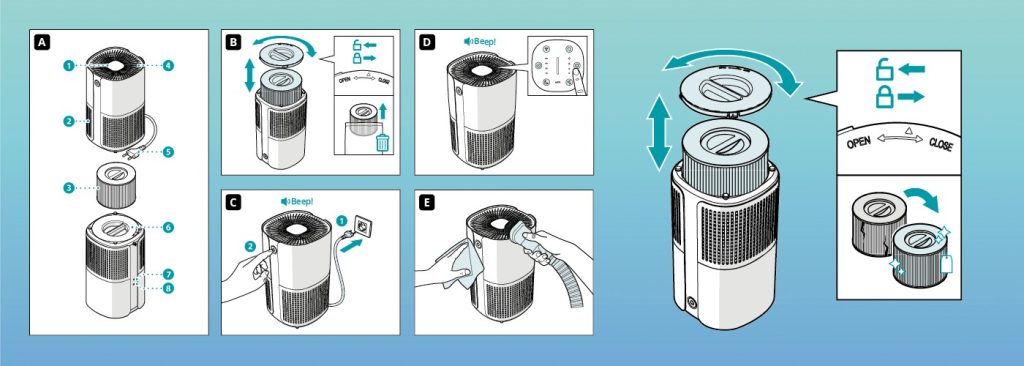
Illustrations make instructions clearer and, in some cases, can replace text entirely. A well-known example is the IKEA manual, where clear drawings guide the user step by step without written explanations.
Avoid photographs where possible. Photos often contain distracting details, such as background elements, reflections or shadows. Technical drawings or line illustrations are usually more effective because they highlight only the essential components.
For example, when explaining how to replace a printer toner cartridge, a simple line drawing can clearly indicate which cover to open and where to insert the cartridge. Without background colours or visual noise, the instruction becomes easier to understand.
Would you like to learn more about this topic? Read our article “Have a Technical Illustration Created”, in which we discuss objectives, target groups, illustration styles, techniques and key considerations for developing effective technical illustrations.
Step 7 – Translate and Localise
When entering international markets, translation is often necessary. In some cases, translation improves usability. In others, it is a legal requirement. For example, when selling machinery within the European Union, the manual must be available in the official language of the country where the product is placed on the market.
Select a professional translation agency with technical expertise. Consistent terminology is essential, particularly for products such as medical devices, where incorrect translations may create safety risks.
Many translation agencies use translation memory systems. These systems store previously translated segments and reuse them when identical or similar text appears. This improves consistency and can reduce costs.
Would you like to learn more? Read our article “Translating Manuals”.
Step 8 – Define Layout and Style
After defining the structure, standardise the layout. A consistent design improves readability and reduces user errors.
When defining layout and style, consider the following:
- Use a clear and consistent layout so users can quickly find the required information.
- Apply numbered lists (1, 2, 3) for step-by-step instructions and bullet points for features or options.
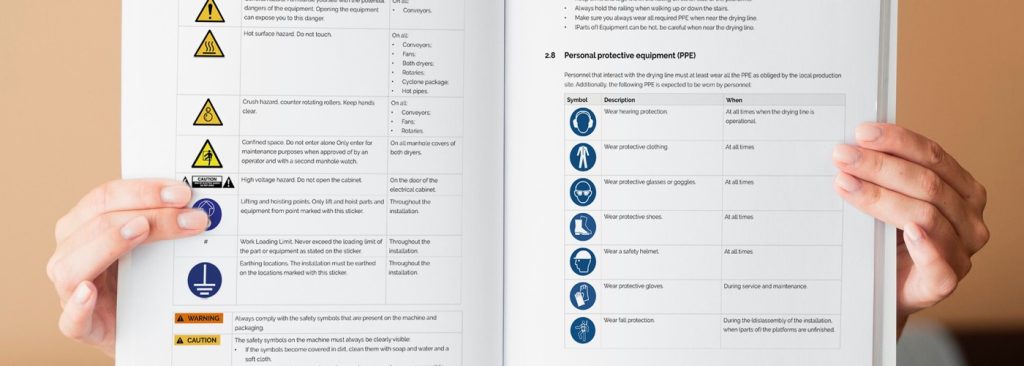
- Make safety information clearly recognisable by using standardised symbols and, where appropriate, colour.
- Provide sufficient white space between text blocks and images to improve readability and create a structured appearance.
A well-defined layout strengthens clarity, supports safe use and enhances the professional quality of your user manual.
Step 9 – Compile the Content
At this stage, combine the approved content with the defined layout to create the complete manual. After compilation, carry out a thorough review. Check in particular:
- Visual elements – Are images and tables correctly positioned? Are they sharp and clearly legible?
- References and cross-references – Is the table of contents accurate? Do page numbers correspond correctly? Are warnings placed in the correct sections? Do internal links function properly?
Once the manual has been compiled, ask a proofreader or representative user to review it. Their feedback often reveals inconsistencies, unclear wording or missing information.
A final review ensures that the manual is accurate, usable and ready for publication.
Step 10 – Publish and Distribute the User Manual
In addition to a printed manual, users may require a digital version. By using single-source software, you can generate multiple output formats from the same content. These may include a print-ready PDF as well as digital formats such as HTML5, WebHelp, EPUB or DITA.
This approach ensures that the information is accessible on desktop, tablet and smartphone.
Once the manual is complete, generate the required output formats. If you publish the manual digitally, verify that the content is clearly readable on different screen sizes, navigation functions properly and interactive elements, such as hyperlinks, work correctly. Poor readability or malfunctioning links negatively affect the user experience and may reduce overall satisfaction with the product.
Start Creating User Manual Yourself (Free Step-by-Step Plan with Checklist)
Are you planning on creating a user manual for one or more products? Manualise offers single source software under licence, enabling you to work efficiently and independently. Want to know more about content management and single-source publishing? Check our video.
To get started straight away we have summarised the information from this article in a compact overview with key points. Download our free step-by-step plan with checklist to guide you through the process.
Would you prefer to rely on a specialist? Manualise has been developing user-friendly manuals for more than 15 years and will be pleased to support you.