What Is Technical Documentation
Technical documentation contains the information needed to understand a product or system and to install, use, manage or maintain it safely and correctly. Examples include user and installation manuals, technical specifications, training materials or work instructions.
Technical documentation is often required in order to comply with laws and regulations. But it also offers practical benefits. When users receive clear instructions and information, they need less support because they can find answers themselves when they get stuck, for example while using a product or service. This reduces the number of questions for customer service or other support departments. Good documentation also improves the user experience and reduces frustration. This leads to higher satisfaction.
Finally, technical documents also benefits organisations: well-written training materials or work instructions support efficient knowledge transfer, which helps processes run more smoothly.
The importance and benefits of this type of documentation are clear. But how do you create a good manual, work instruction or training material?
Approach for Creating Good (Technical) Documentation
Whatever form the documentation takes, the following steps are often used:
Step 1 – Determine the content
All technical information is identified. Texts are written and/or edited, and supporting illustrations are created.
Step 2 – Define the format and style
Decide how to structure and organise the technical information. Define the visual style.
Step 3 – Compile and publish documentation
Once the format and content have been defined, the actual documents are created by combining both. The documents are then published and distributed.
Below, we explain each step and what to pay attention to.
Step 1 Determining The Content
This first step consists of the following sub-steps:
- Define the target group
- Collect product information
- Write documentation, create illustrations and translate the technical documentation
Define The Target Group
Before collecting product information, you must know who the documentation is for. Knowing the user is essential. Each target group has specific needs, preferences and knowledge levels. This affects how the documentation is written and therefore which information you need to collect.
To create good technical documentation, it is important to know the users’ level of prior knowledge. We distinguish three levels, and each level requires a different approach:
- Beginners (no or minimal prior knowledge)
These are users with little or no experience with the product or system. They often do not know basic functions or terms.
They need clear, step-by-step explanations in simple language, supported by images, icons and diagrams. Avoid jargon in the documentation and answer common, basic questions and issues. - Intermediate (some experience, but no in-depth technical knowledge)
These are users with basic or advanced knowledge of the product or system. They often understand the core functions.
They need clear information that helps them understand more advanced functions. Use practical examples and address more complex questions and issues, without too much technical detail. If needed, refer to more detailed sections for users who want to learn more. - Expert (in-depth knowledge and experience)
These are highly skilled users with extensive experience with the product or system. They understand the technical details.
This target group needs detailed technical documentation to support advanced settings or the resolution of complex issues. Keep explanations minimal (without unnecessary detail).
Once the target group has been defined, you can decide how the documentation will be published and distributed. Will the documentation be offered digitally, as a printed manual, or perhaps both?
Collect Product Information
Once it is clear who the documentation is intended for, you can start collecting the right product information. You can do this by consulting experts such as product developers, testing the product, or reviewing existing documentation. User feedback can also provide valuable insights. In addition, customer service and other support departments can be an important source of information.
Write Documentation
Because the content of technical documentation is largely determined by the product itself, it is naturally different for each product. However, the goal is almost always the same: to give the user accurate and effective instructions on how to use the product safely and correctly.
A good structure and layout are important. Use a logical structure with clear chapters and sections. The Dutch NEN 5509 standard (only available in Dutch) provides guidance on the content, wording, structure and presentation of manuals. According to this standard, a good technical manual should include at least the following:
- Technical specifications
- Precautions and safety instructions
- Assembly, installation, commissioning
- Description of the product; product composition
- Description of operation and use
- Decommissioning
- Maintenance and maintenance schedule
- Disassembly, disposal, storage and transport
- Malfunctions and repairs
- Disposal
- Environment
Please note: pay sufficient attention to the topic of “malfunctions”, because manuals are often consulted most at these moments.
Wording of The Texts
In addition to the content, the wording also matters. Ensure that your technical documentation is:
- Consistent
Use terminology consistently throughout the document. - Understandable for the target group
Translate technology and product features into clear, effective instructions in language that suits the target group (see “Define the target group”). - Concise and to the point
Make it as easy as possible for the user to absorb the information. - Balanced
Visual and written content should support each other.
Also remember that laws and regulations may impose requirements on documentation.
Read our article about technical writing if you would like to know more. Would you rather involve a specialist? Manualise has been creating user-friendly technical documents in line with laws and regulations for over 15 years.
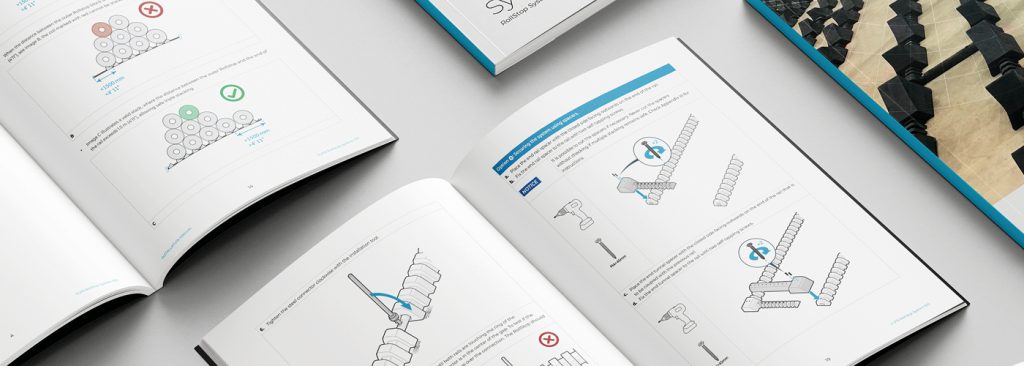
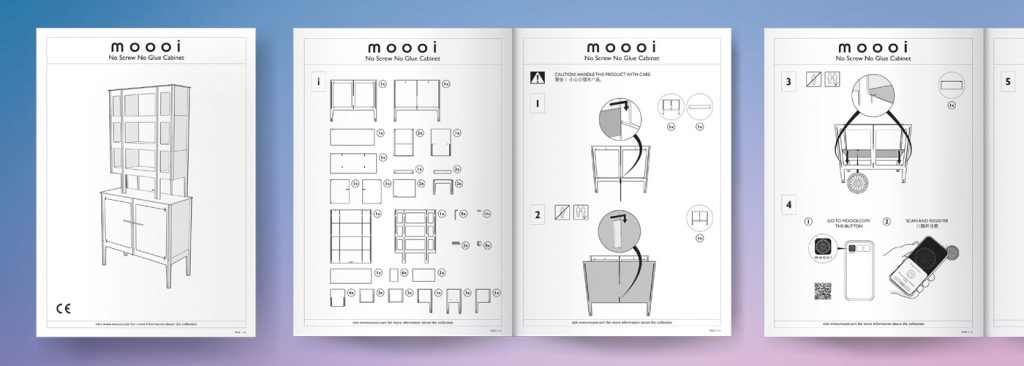
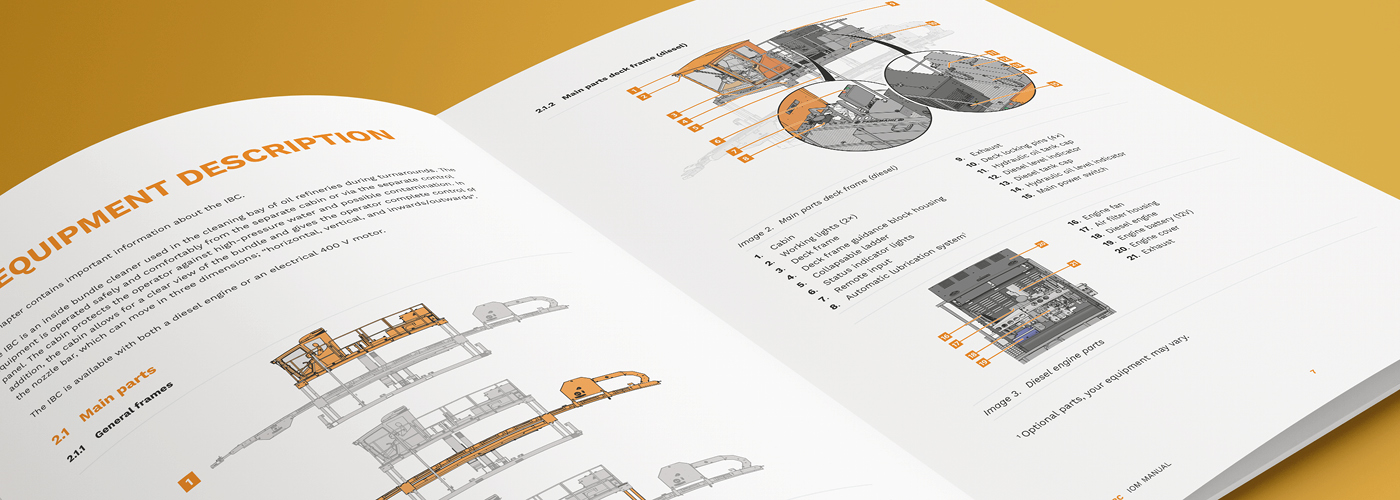
Create Illustrations
A picture says more than 1,000 words. The fact that in 2021 let alone the Netherlands had 2.5 million low-literacy adults (the UK had 6.6 million – source: National Literacy Trust) highlights the value of good illustrations. Low-literacy adults are people who struggle with reading, writing and/or numeracy. This group benefits particularly from clear, simple communication.
And it does not apply only to this group. A well-made image is universal and can be understood by a wide audience. Clear technical illustrations are essential to make complex information accessible and understandable. Why?
- Speed and attention span
Users understand faster how a product works when they see a clear image instead of a long text. Images also hold the reader’s attention for longer. - Appearance
A manual with well-designed illustrations looks more professional and reliable. Illustrations provide variety and can add colour to technical manuals. This supports a positive user experience and can increase satisfaction with the product.
An additional advantage is that technical documentation with illustrations results in lower translation costs. Information presented visually does not need to be translated, unlike text.
Would you like to learn more? Then read our article about technical illustrations.
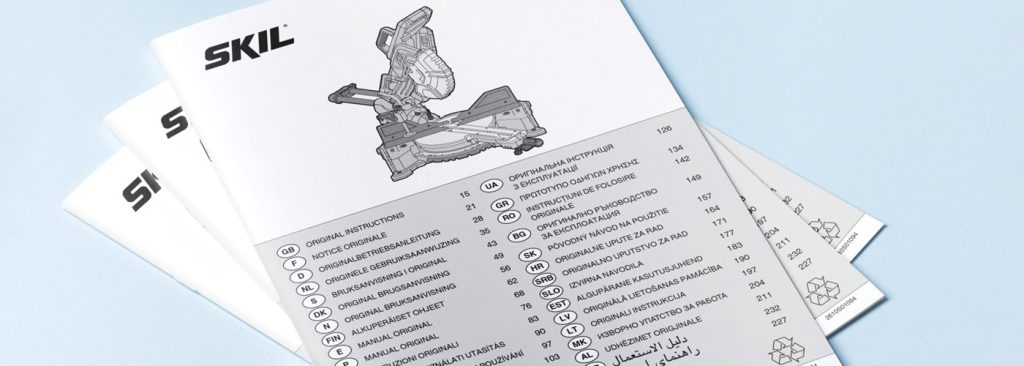
Translating Technical Documents
Once a document is finalised in terms of content, the next topic is translation. Because products and systems are often launched in multiple countries, it is important to translate the content into the correct language or languages. It is important to work with a translation agency that is experienced in translating technical documents. This keeps the content accurate, understandable and effective. An inaccurate translation can lead to misunderstandings, errors or even safety risks.
Key points when translating technical documentation:
- Consistent language use (terminology)
Consistency is crucial, just as in the source language. Use the correct jargon in all languages. If the jargon is not commonly known in the target language, a translation agency can validate word choice with the target group. - Localisation
A literal translation does not always work. Safety regulations and language use can differ by region. Take this into account. - Review
Have the documentation tested by a native speaker or a user from the target group to check whether everything is clear and correct. If the context is unclear in practice, even a correct translation will not work. In some sectors, an incorrect translation can also have legal consequences.
Do you have recurring translation work? Then the agency can reuse correct terminology from the translation memory. In the industry, this is also called “terminology management”.
Read our article about technical translation if you would like to know more.
Step 2 Defining The Format and Style
We previously mentioned the importance of structure when writing manuals. In addition to a logical structure with clear chapters, add a table of contents, for example, and use clear headings that reflect the content of chapters or paragraphs.
Once the structure has been defined and it is clear how the documentation will be published and distributed, the next step is to standardise the layout. This improves recognition and readability. Key points when defining the format and style:
- Ensure a clear and consistent layout.
- Choose a readable font. Use one font size for body text and larger sizes for headings.
- Use fixed styles for headings, paragraphs, bullet lists, warnings, tips and additional information.
- Use fixed styles for illustrations.
- Use numbered lists for step-by-step instructions and bullet points for lists.
- Ensure sufficient white space to improve readability.
Is there a series of installation manuals, technical specifications or, for example, multiple work instructions? Then use a template to guarantee consistency. Besides consistency, using a template has other benefits:
- It is efficient and saves time.
- It reduces errors or misunderstandings when multiple people work on documents.
- Changes can be implemented easily across all documents.
- Translations of the source document can follow the same format.
Once the format has been defined (with or without a template), you can compile the technical documentation.
Step 3 Compiling and Publishing Documentation
The technical documentation is now compiled by combining format and content. After compiling, we recommend a few additional actions:
- Check references and cross-references
Is the table of contents correct? Are (safety) instructions, warnings, internal links and references correct? - Check visual elements
Are images and tables placed correctly, sharp, readable, and do they have the correct captions? - Collect feedback
Use a test user and collect valuable feedback. Adjust the documentation where necessary based on the feedback.
Generate Outputs
Users want access to product information at the moment they need it. In addition to printed documentation, which is often mandatory for CE marking, there may also be a need for digital access. With single-source software, the same content can be generated as a printed version (for example PDF) and as a digital version (such as HTML5, WebHelp, EPUB or DITA). This makes information easily accessible via desktop, tablet or smartphone.
Once the user documentation is complete, you can generate the desired output. If the documentation is made available digitally, check that it is readable on different screen sizes and that interactive elements (such as hyperlinks) are set up correctly. Documents that do not work properly or are difficult to read contribute to a negative user experience and can reduce satisfaction with the product.
Getting Started With Technical Documentation Yourself (Free Step-By-Step Plan With Checklist)
By applying the three steps, you can make documentation not only effective, but also more attractive and accessible for the reader. Are you planning to write one or more documents? Never lose sight of the main objective: help users carry out tasks safely and successfully with clear instructions.
Useful! We have converted the information from this article into a compact overview with key points. Download the free step-by-step plan with checklist here:
Help From a Specialist
Would you rather involve a specialist? Manualise has been creating user-friendly technical documentation for a wide range of customers for over 15 years. Manualise also has single-source software that can be used under licence.