
Table of Contents
Our Approach to Create a User Manual
A structured process is essential when you create user documentation. Regardless of the final format, we typically follow three clear phases.
Phase 1 – Define the Content
First, all relevant product information is collected and analysed. This includes technical data, operational procedures and safety information.
Based on this input, we develop a clear information structure that allows users to find information quickly. Technical writers then create the text while illustrators develop supporting visuals.
Phase 2 – Define Layout and Style
Next, the visual presentation of the manual is determined. Layout, typography and visual elements are aligned with the company’s branding and corporate identity.
This phase ensures that the manual is both consistent and easy to navigate.
Phase 3 – Compile the Manual
Once content and design are defined, the manual is assembled. Text, illustrations and layout are integrated into a single coherent document that is ready for publication.
Create a User Manual: 10 Key Principles
When you create a user documentation yourself, several principles help ensure clarity and usability.
- Know your target audience
- Consult relevant regulations and standards
- Define a logical structure
- Gather complete product information
- Write clear and instructive content
- Use supporting visuals
- Apply targeted illustrations or animations
- Translate and localise where necessary
- Archive reusable content
- Provide the manual in suitable formats
Applying these principles helps you develop manuals that are both effective and user-friendly.
Know Your Target Audience
A manual must match the knowledge level and needs of its users. A technician requires different information than a consumer.
For example, installers may require detailed technical specifications, while end users mainly need simple instructions for daily operation.
Consult Relevant Regulations and Guidelines
Depending on the product category, user manuals must comply with specific legal requirements.
For example, machinery manuals must follow the Machinery Directive (2006/42/EC) . This directive requires that all residual risks and foreseeable misuse are clearly described in the manual. If incorrect use may create hazards, this must be explicitly stated and accompanied by appropriate warnings.
Define a Logical Structure
A well-organised structure helps users quickly locate the information they need. Standards such as NEN 5509 (note: only available in Dutch) provide guidance on how manuals should be structured. Typical sections include safety instructions, installation procedures and maintenance information.
A clear table of contents and consistent chapter structure improve usability.
Gather Complete Product Information
Before writing begins, collect all relevant product data, such as technical specifications, installation instructions, maintenance procedures, CAD files or engineering drawings. This information forms the foundation of an accurate and reliable manual.
Write Clear and Instructive Content
When you create a user manual, clarity is essential. Effective manuals often rely on three writing principles:
- Simplified Technical English (STE): STE is a controlled language that reduces ambiguity. Example:
Instead of writing “Check the oil level”, STE would specify:
“Make sure the oil level is between the minimum and maximum marks.” - Minimalism: Provide only the information required to perform a task. Avoid unnecessary background explanations that may distract from the instruction itself.
- Topic-based authoring: Structure information into reusable modules such as safety, operation and maintenance. This approach simplifies content management and updates.
Use Supporting Visuals
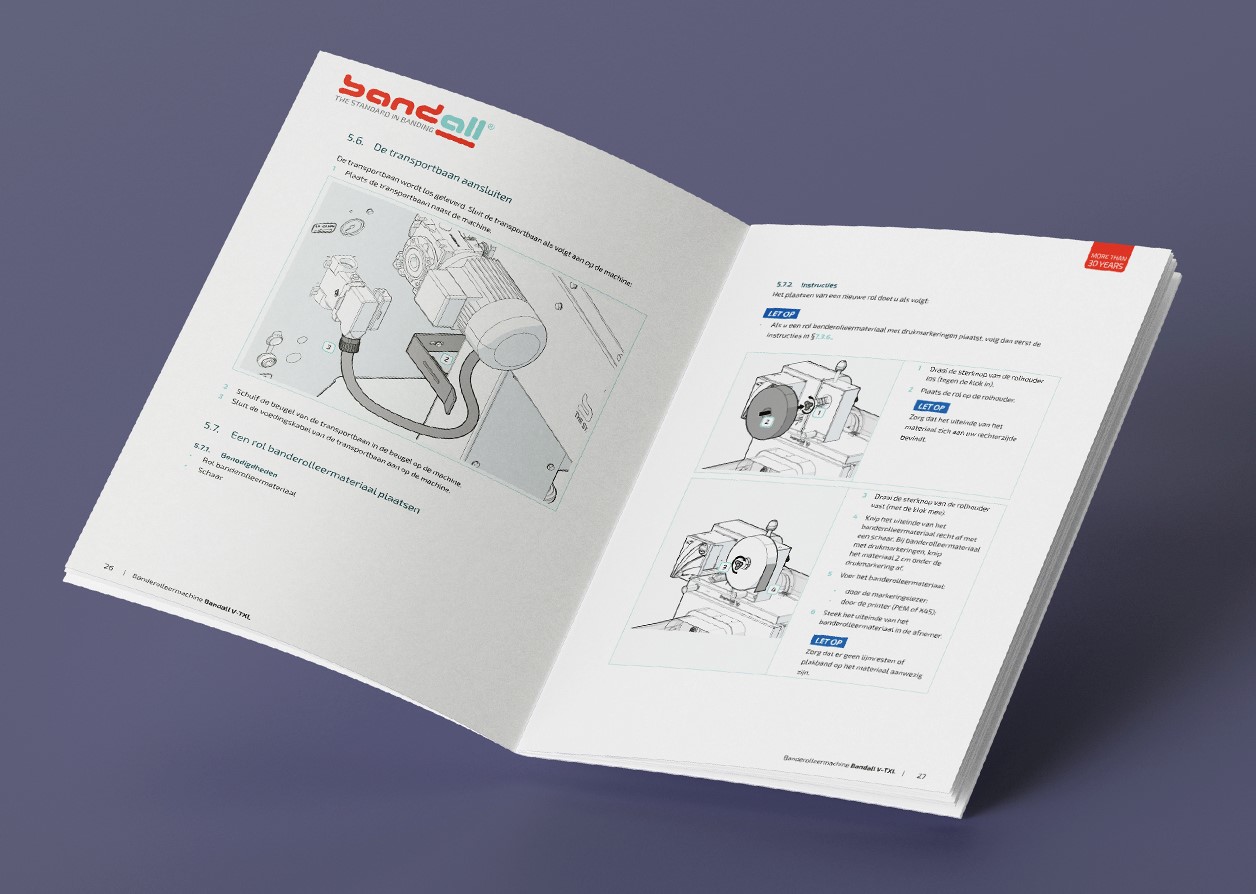
Images can significantly improve clarity. A well-designed illustration may explain several steps at once, complementing or even replacing written instructions. This is particularly useful for assembly instructions or identifying components.
Use Targeted Illustrations or Animations
Technical illustrations, such as line drawings, often communicate information more effectively than photographs because they emphasise essential details.
Animations can demonstrate dynamic processes, such as connecting cables correctly. These can be made accessible through QR codes on the product.
Translate and Localise Where Necessary
If your product is sold internationally, the manual must be available in the official language of each market. For example, machinery sold in the Netherlands must include a Dutch manual.
Professional translators ensure that technical terminology is correct and that cultural differences are considered. This process is known as localisation.
Archive Reusable Content
If you create manuals for multiple products, it is efficient to store text and illustrations in reusable modules. Content management software allows you to update or adapt manuals without starting from scratch.
Manualise offers single-source publishing software under licence, enabling efficient management of technical documentation. Want to know more about content management and single-source publishing? Check our video.
Provide the Manual in Suitable Formats
Depending on user needs, manuals can be provided in several formats.
- Print: A physical manual supplied with the product.
- Online: A digital version available via a website or application.
- On-device: Instructions accessible directly on the device, for example through a built-in display or QR code.
Providing documentation in multiple formats improves accessibility and usability.
Create User Manuals Yourself (Free checklist and step-by-step guide)
Are you planning to create a user manual for multiple products? Manualise offers single-source publishing software under licence, allowing you to manage and reuse documentation efficiently. Check our video to learn more.
We have also summarised the key points from this article in a concise checklist and step-by-step guide.
Prefer to outsource your documentation? Manualise has more than 15 years of experience helping organisations create user manuals for a wide range of products and industries.